
See your pace or heart rate in giant numbers during a Garmin workout
The watch face isn't the only place Garmin numbers get too small to read. Mid-run, mid-ride or in the dark, the metric you care about is often a tiny figure inside a crowded gauge. Here's how to blow it up.
You're running intervals and you just want to see your current pace without breaking stride. Or you're on the bike at night and your heart rate is a small grey number wedged between two other fields. Garmin's default activity screens are built to show a lot at once, which is great when you're standing still and terrible when you're moving, tired, or looking through a bouncing wrist.
Why the numbers are small during an activity
During an activity your watch shows data screens made of data fields — often three, four or more per screen. The more fields a screen shows, the smaller each number has to be. You can build a single-field screen in Garmin's settings, but the built-in single field still leaves a lot of empty space and a fixed, medium-sized font. There's no setting to say "make this one number as big as the display allows."
The fix: one metric, auto-sized to fill the screen
Big & Clear Activity is a free Connect IQ data field that does exactly that. You pick one metric and it draws it in the largest, highest-contrast digits that fit — automatically sizing to your watch's screen and to how many characters the value has. It's the activity companion to the Big & Clear watch face, for the same problem: readability, but while you train.
You can choose from:
- Pace or speed
- Heart rate
- Distance
- Elapsed timer
- Cadence
- Time of day
Six high-contrast colour schemes keep it legible in daylight and at night, and it's built to sit in a single-field layout so nothing crowds it.
How to set it up
- Install Big & Clear Activity from the Connect IQ store.
- On your watch, open your activity's Data Screens, add a screen with a single field, and set that field to "Big & Clear Activity".
- In the field's settings, choose the metric you want big and pick a colour scheme.
- Swipe to that screen whenever you want the glanceable view; keep your detailed screens for when you stop.
Who this is for
Runners doing intervals, cyclists who ride in low light, older athletes, and anyone who's ever squinted at their wrist and missed a split. If you already keep a simple two-field screen and can read it fine, you may not need this. If the numbers vanish the moment you're moving, this is the fix.
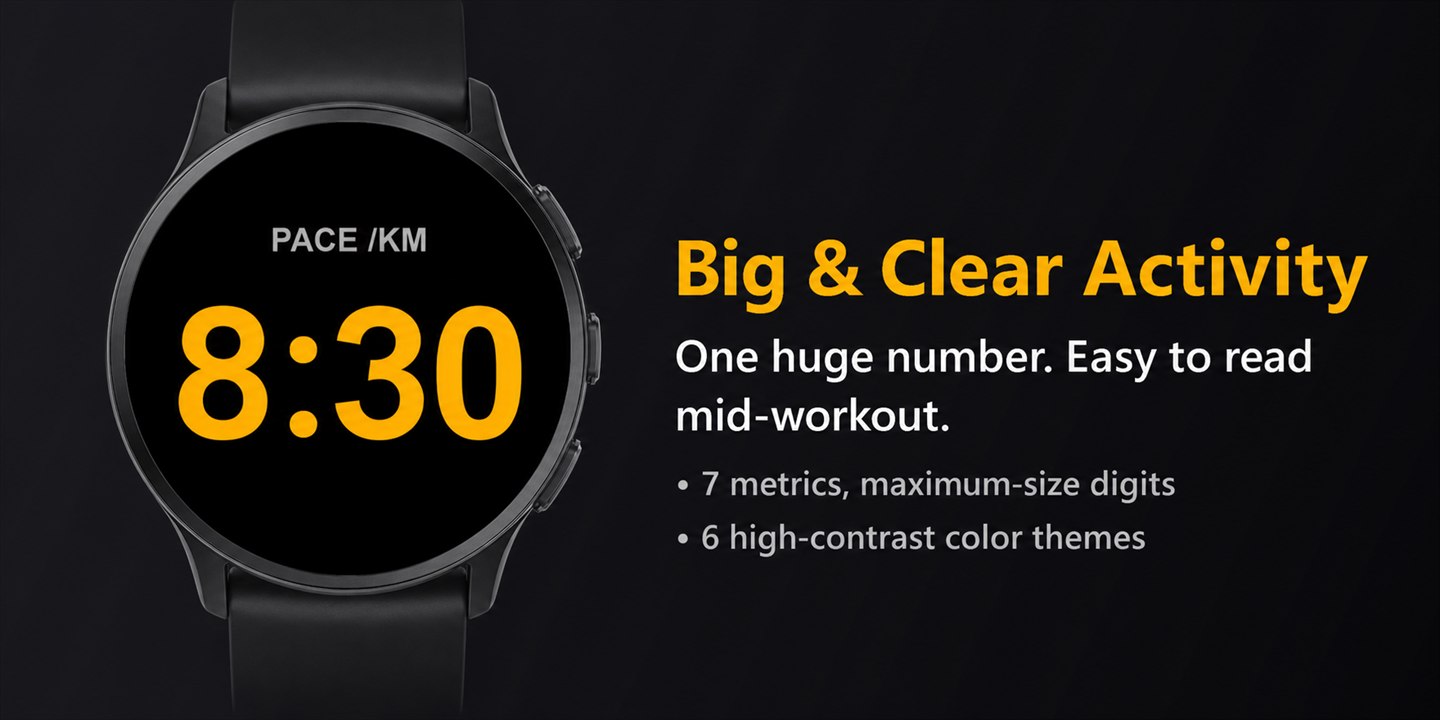
Big & Clear Activity
Free Garmin data field. One metric, auto-sized as large as the field can draw it, six high-contrast schemes — no permissions, no data collected.
Free, and it stays free
Big & Clear Activity has no paywall and collects no data. If it earns a screen on your watch, you can support the next metric or device.