
How to track indoor rowing distance and split on a Garmin without a connected erg
If you row on a basic gym machine that can't pair with your watch, Garmin gives you stroke rate and heart rate — but no distance and no split. Here's why, and how to estimate both using only the watch.
You start a Garmin Indoor Rowing activity, pull hard for twenty minutes, and finish with almost nothing to show for it: a heart-rate trace, a stroke count, and a distance of zero. On a Concept2 or a connected rower this is a solved problem — the machine broadcasts its data. On the "dumb" ergs most gyms actually have, it isn't. This guide explains what's happening and how to get the number every rower cares about: the split per 500 m.
Why your Garmin shows no distance on a gym rower
A rowing machine doesn't have GPS, and indoors your watch's GPS is useless anyway. The only way a watch knows your distance and pace on an erg is if the machine tells it — over ANT+ or Bluetooth. Concept2's PM5 monitor and a handful of smart rowers do this. Most gym machines don't broadcast anything, so Garmin has no signal to turn into meters. It records what it can measure directly — heart rate from the wrist and stroke rate from arm motion — and leaves distance and pace blank.
That's not a bug you can fix in settings. Without a data source, the watch simply can't report a distance it never received.
The workaround: estimate split and distance from your watch
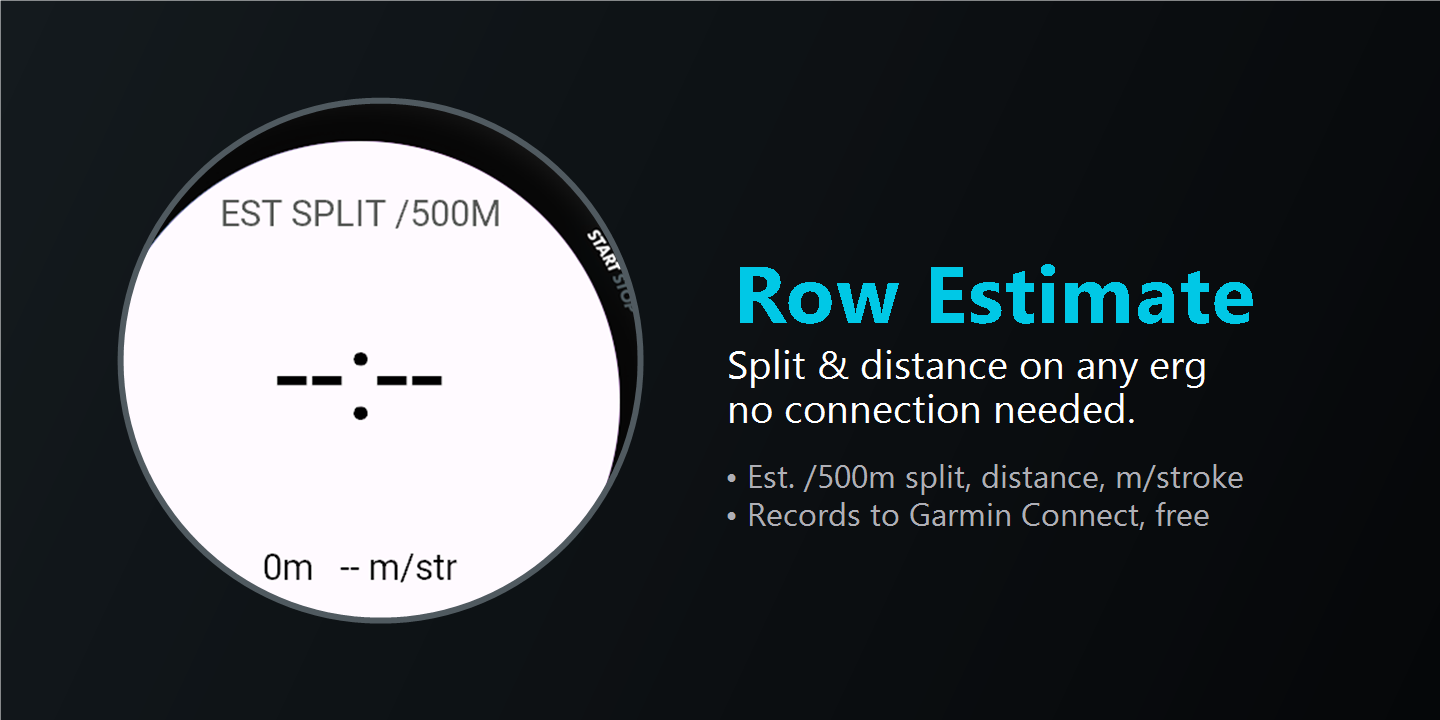
There is one number your watch does compute during any activity: your energy expenditure. Row Estimate is a free Connect IQ data field that works backwards from that. It inverts the well-known Concept2 relationship between calories, power and pace — the same math Concept2 publishes — to turn your watch's energy-burn rate into watts, and watts into a pace and a distance.
While you row it shows, live on the data screen:
- Estimated split per 500 m — the pace rowers actually think in.
- Estimated total distance.
- Meters per stroke, so you can watch your efficiency.
It also writes the estimated distance back into the FIT file, so after the workout Garmin Connect shows a distance chart and a total instead of a blank.
How to set it up
- Install Row Estimate from the Connect IQ store.
- On your watch, open Indoor Rowing → Activity Settings → Data Screens and add "Row Estimate" as a data field.
- Start rowing. The estimate settles in after about 20–30 seconds of steady data.
How accurate is it — and how to make it closer
Because the estimate is driven by your watch's energy model, it can read fast or slow depending on your machine and body. Row Estimate includes a direct 50–300% distance calibration: compare the same steady interval on a trusted display and in Row Estimate, then adjust the percentage by their distance ratio. For example, 200% doubles estimated distance and halves estimated split time; 100% leaves the estimate unchanged.
Who this is for
Anyone doing steady-state or interval rowing on a gym erg that won't connect — CrossFit rowers, cross-trainers, and people who just want their Garmin history to show meters instead of zeros. If your machine already pairs over ANT+ or Bluetooth, use that; you don't need an estimate. If it doesn't, this is the closest you'll get without buying new hardware.
Row Estimate
Free Garmin data field. Estimated split /500 m, distance and meters per stroke on ergs that can't pair — no account, no phone during the workout.
Free, and it stays free
Row Estimate has no paywall and collects no data. If it earns a spot in your training, you can support the next improvement.